Virtual Ring Try On: See Any Ring on Your Finger
in Seconds with AI
Use our AI to do a virtual engagement ring try on, wedding band preview, or diamond ring fitting from any hand photo. Once you upload your image and pick a style, our tool generates a realistic look of how the ring will look on your finger.








Upload a Photo of Your Hand
These issues may affect the quality of your generated try-on image:
Your Previous Uploads
0 imagesNo previous wrist uploads found. Upload one above to get started!
Choose a Ring
Loading ring gallery...
See it Come to Life!
Click Generate to see your ring on your hand
Generating your try-on image...
Your Try-On Collection
View all your generated ring try-ons
No generated images yet. Start by uploading a hand photo and selecting a ring!

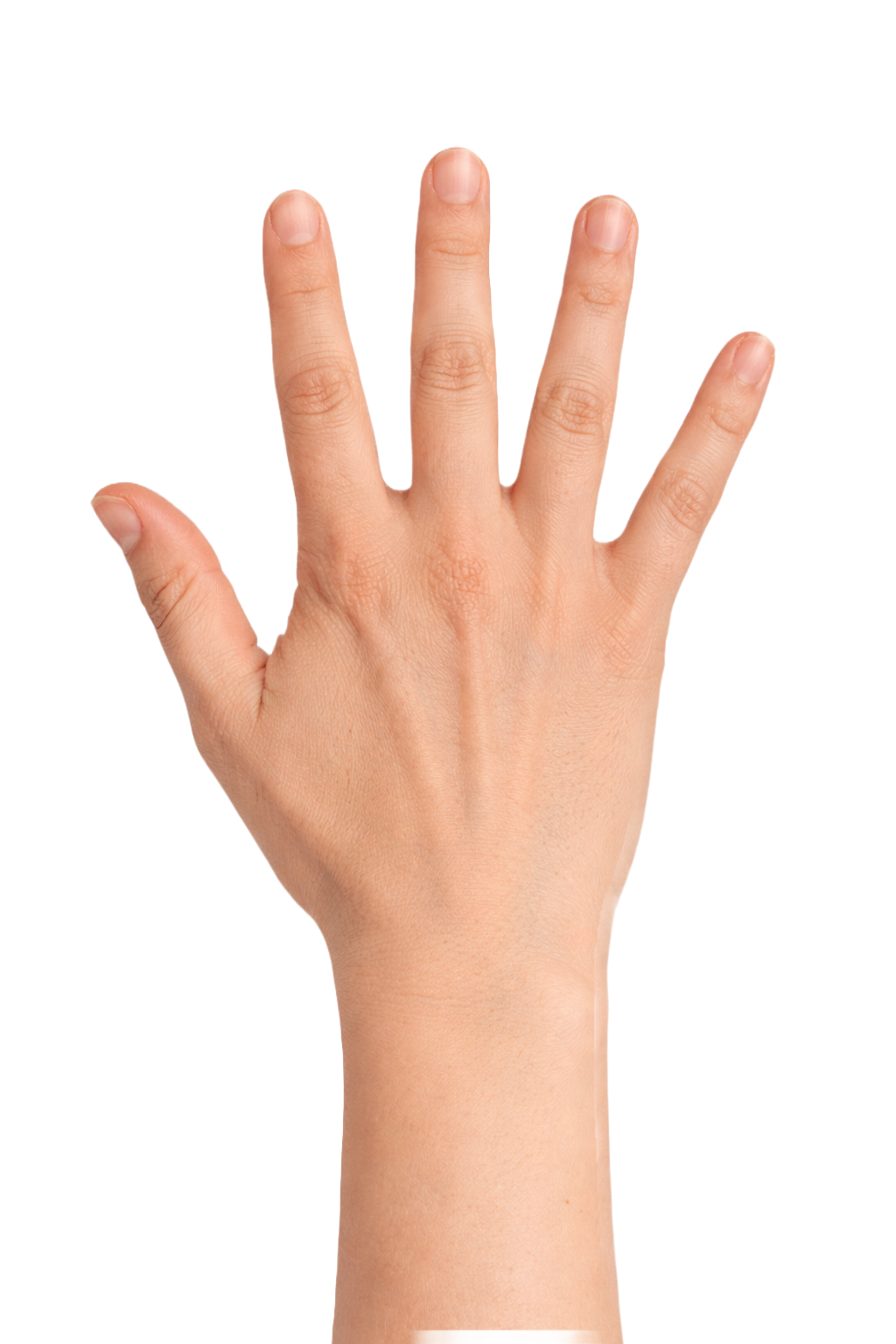
How Our AI Virtual Ring Try-On Works
The whole process takes less than a minute from start to finish. There is no app to download, no jewelry kit to ship to your home, and no special camera setup, since the AI does the heavy lifting inside your browser.
Upload Your Hand Photo
Take a clear photo of your hand or pull one from your phone gallery. Most natural daylight shots work fine.
Choose a Ring Style
Browse engagement settings, wedding bands, diamond solitaires, halos, and rings from the top jewelry brands inside the gallery.
See It on Your Finger Instantly
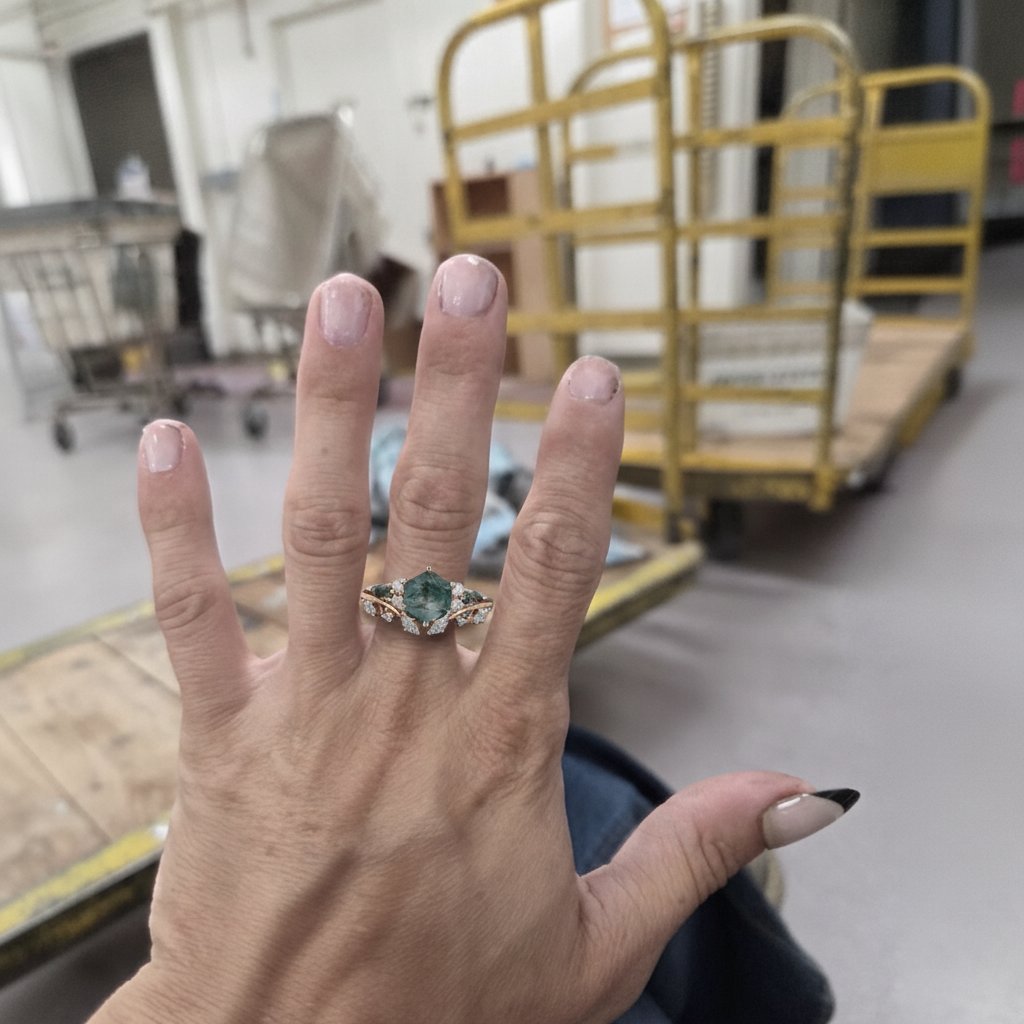
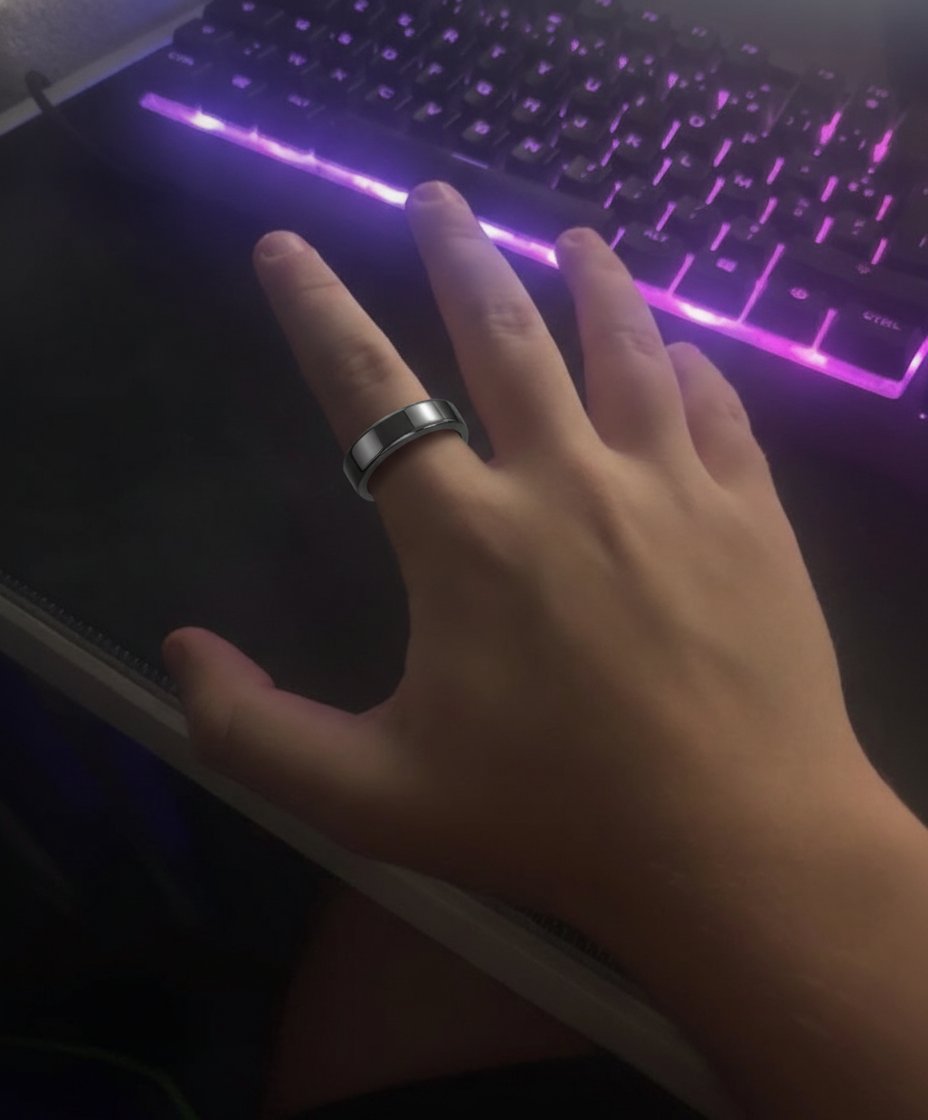
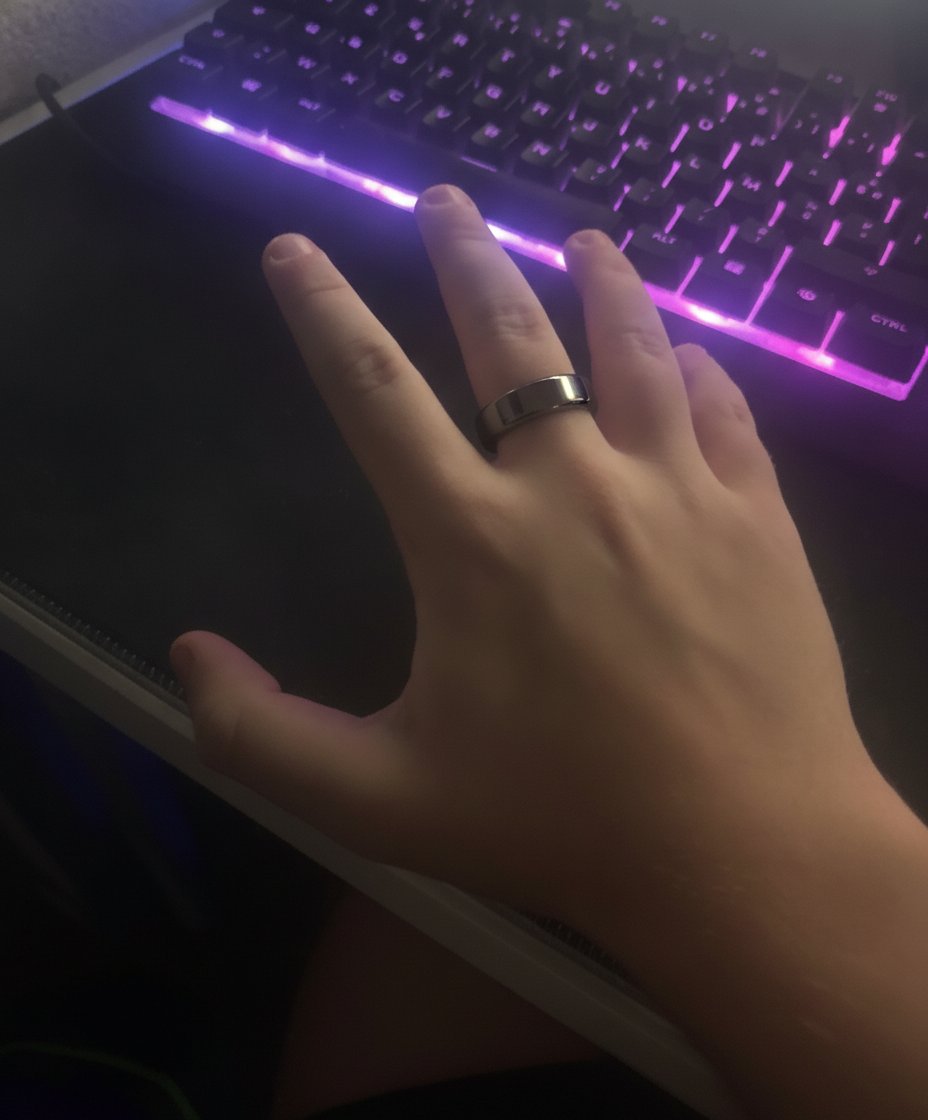
Our AI matches the lighting, shadows, and finger proportions in your photo, so the preview looks like a real picture of you wearing the ring.
Try On Diamond Rings Online with Realistic AI
Our model has been fine-tuned on thousands of ring images, hand poses, and real-world lighting conditions. That accuracy is what makes the diamond ring virtual try on feel believable, because the metal tone, stone reflection, and shadow actually match how the piece would sit against your skin.
- AI-powered finger detection that follows the orientation of your hand
- Realistic lighting and shadows tuned for gold, white gold, platinum, and rose gold
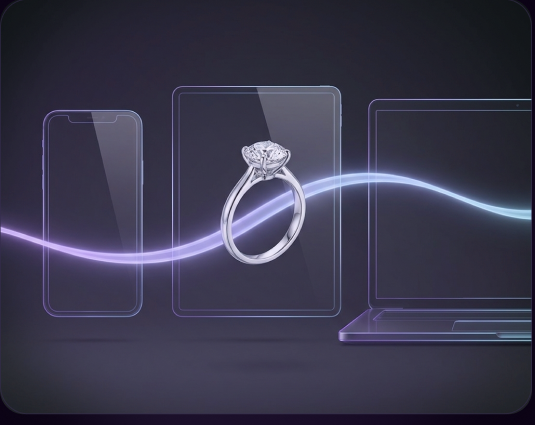
- Works on phone, tablet, and desktop with no install needed
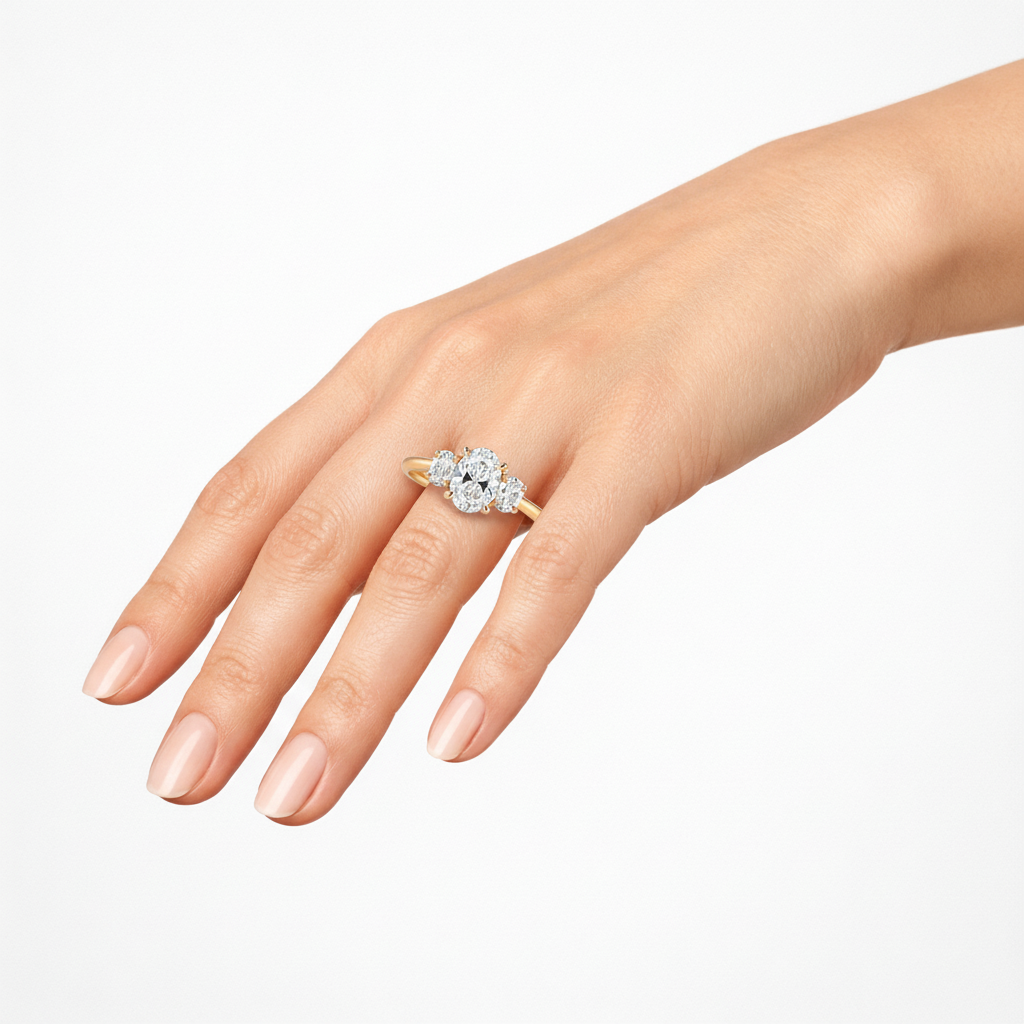
Virtual Engagement Ring Try On for Every Style
If you are shopping for a proposal, comparing solitaire against halo, or just curious how a 2-carat oval would look on your finger, the engagement ring virtual try on handles every step. You can preview classic six-prong solitaires, vintage milgrain rings, three-stone settings, modern bezel designs, and halos in the same image, with realistic finger sizing.
- Preview solitaire, halo, vintage, and three-stone settings
- See diamond engagement rings in your own lighting before a viewing
- Compare two engagement rings side by side in one photo

Wedding Ring Try On at Home
A wedding ring is a piece of jewelry you wear every day, so the preview matters as much as the price tag. Use the wedding ring try on to see gold, white gold, rose gold, platinum, and diamond wedding rings on your actual hand, and check how each option looks paired with an engagement ring inside the same photo.
- Try wedding rings instantly on a hand photo
- Match a wedding ring with the engagement ring you have already shortlisted
- Explore gold, rose gold, white gold, platinum, and pavé diamond wedding rings

Browse Every Ring Style with Virtual Try On
Unsure which shape, setting, or metal suits your hand the best? Open any category below and the ring will load onto your finger inside the AI preview, ready for you to compare.
Try Rings from the Top Jewelry Brands with Virtual Try-On
You can preview rings from the same names that usually fill your wishlist, including Tiffany solitaires, Cartier Trinity stacks, Pandora bands, Blue Nile classics, and James Allen custom settings. Every brand page loads its ring imagery into the same AI try-on engine, so the previews stay consistent across designs.
Accurate Virtual Ring Try-On Size and Fit Estimation
Our virtual ring try-on shows you how a ring style will sit visually on your finger inside your uploaded photo. The AI keeps the ring in correct proportion to the rest of your hand, so the preview gives you a realistic sense of width, presence, and how the design pairs with your skin tone. Shortlist styles easily without ever stepping a foot into a jeweler's shop or a brand.
- Preview ring width, profile, and presence on your own finger
- Compare a thin band against a wide one in the same photo
- Use the preview to narrow your shortlist before booking a sizing appointment

A Ring Try On App That Runs Anywhere
You do not need to install anything to use the ring try on app. It runs directly in your browser on any phone, tablet, or laptop with a camera roll and an internet connection, which means the experience is the same whether you are at home, in transit, or at a friend's house deciding together.
- Works in your browser, with no download required
- Optimized for mobile screens and touch input
- Fast AI rendering, even on average mobile data
Ring Try On Online Free, with No Catch
Every feature is FREE to start. A 1-minute sign-up gets you 2 free credits — enough to experiment with engagement rings, wedding rings, diamond designs, and brand-name pieces. No paywall to browse, no surprise charges. Come back any time, swap styles, and run more try-ons whenever a new ring catches your eye.
- Free access to the full ring style and brand library
- 1-minute sign-up · 2 free credits to start trying rings
- Save your previews without watermarks
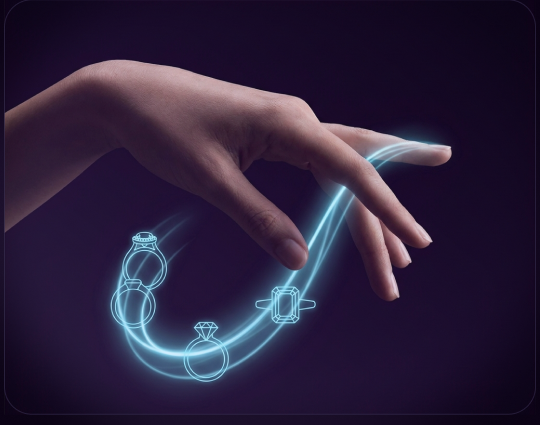
Why People Use a Virtual Ring Try-On Tool
Most ring shoppers lose hours visiting stores or scrolling through product photos that never show how a piece actually sits on a real hand. The virtual try-on closes that gap, so you can sort through twenty designs from your couch and only book a viewing for the rings that already have a place on your shortlist. Many couples also use it to compare picks together when they live in different cities.
Try Before You Buy
Try a ring before you buy, gift, or commit to a viewing.
Save Real Time
Save the time you would normally spend at jewelry counters.
Share for Feedback
Share previews with a partner, parent, or wedding planner for honest feedback.
Compare Together
Compare three or four shortlisted designs in a single image.
Loved by Thousands Trying Rings Online
Our virtual ring try on has been used by couples planning proposals, jewelry designers showcasing custom builds, and shoppers who simply wanted a clearer view before walking into a store.
Live Try-On Gallery
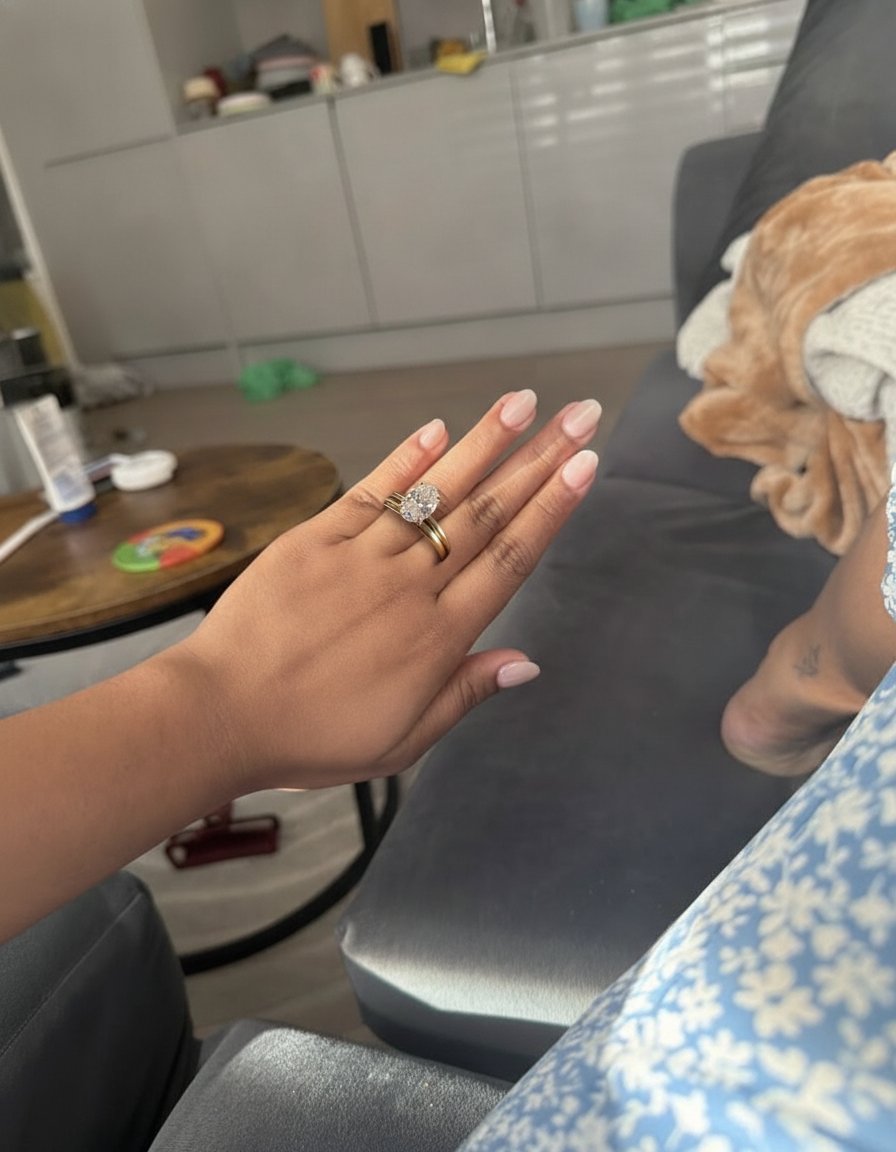 AI Try-On
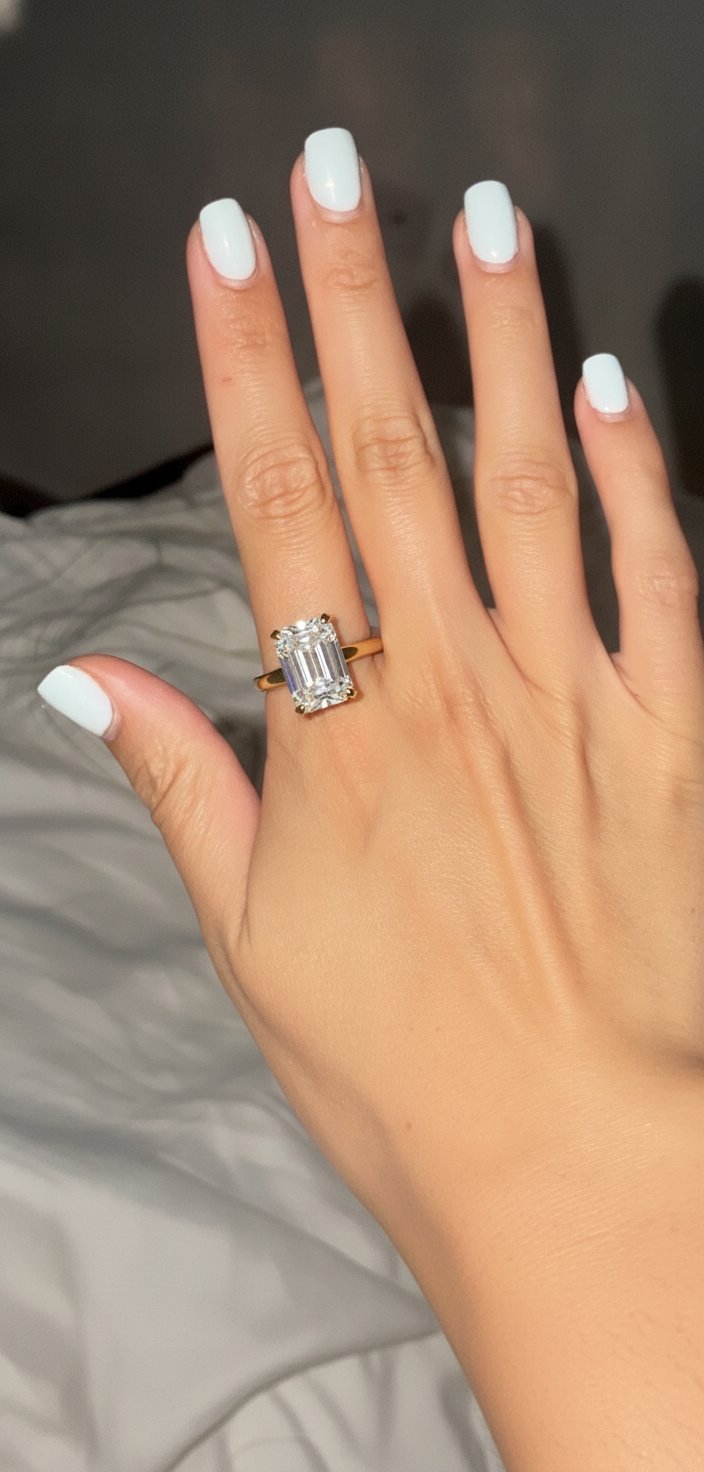 AI Try-On
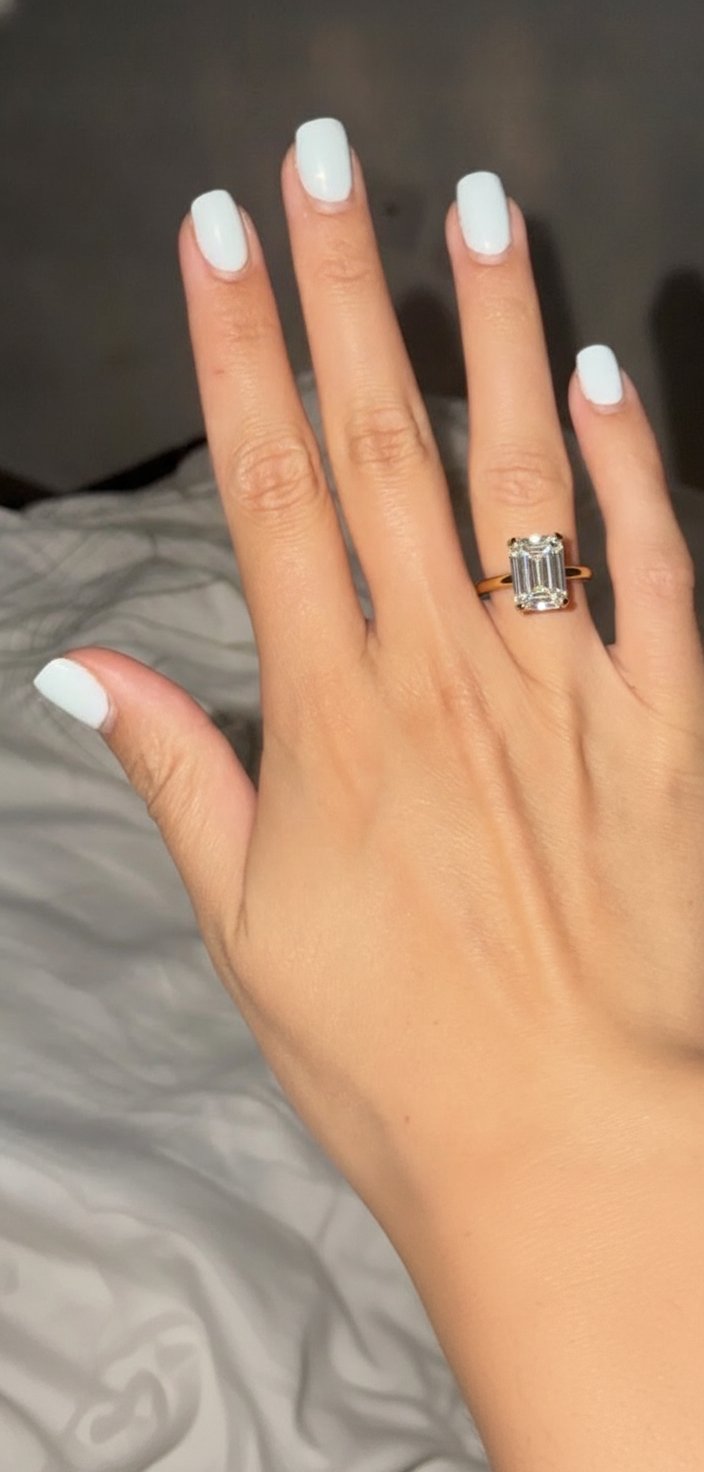 AI Try-On
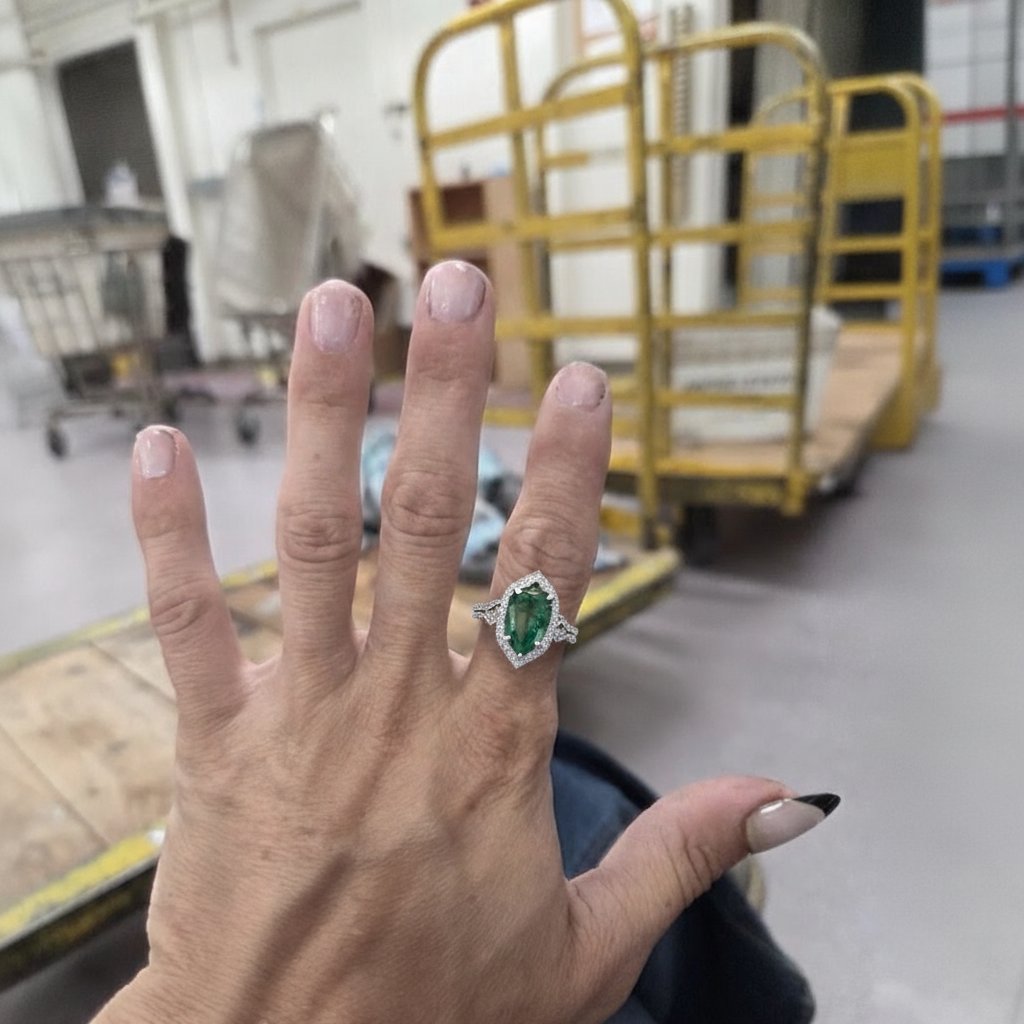 AI Try-On
 AI Try-On
 AI Try-On
 AI Try-On
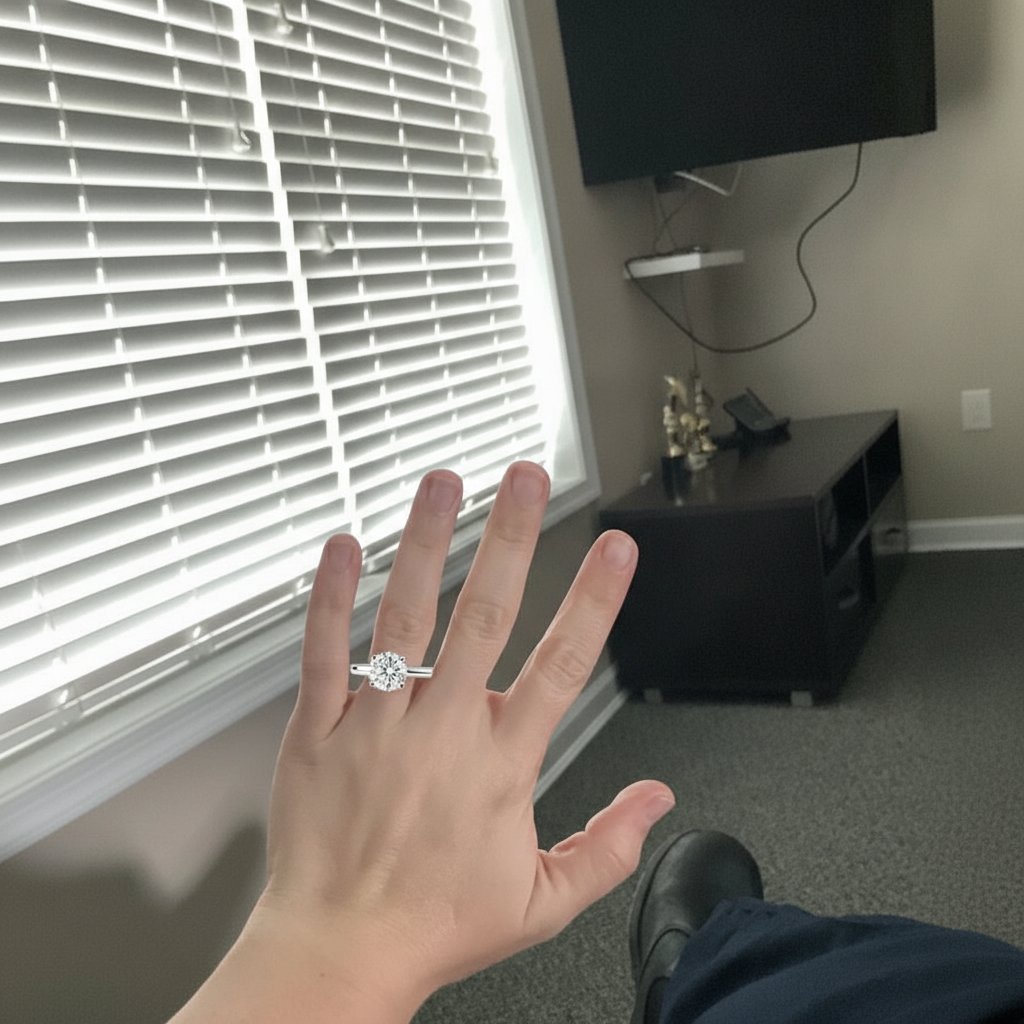 AI Try-On
"Honestly didn't expect it to look this realistic, my fiancé thought I'd already bought it."
"Was stuck between a halo and a solitaire all month, finally got my answer in ten minutes."
"Sent the previews to my mom and she actually cried, lol."
"Used it to narrow down three Tiffany styles before stepping into the store."
"Tried about twelve rings on my lunch break and now know exactly what shape suits my hand."
"Took a leap uploading my hand photo, and the rendering quality genuinely sold me on the design."
"Saved me an awkward jewelry counter trip with my partner standing right next to me."
Frequently Asked Questions
Quick answers to common questions about our virtual ring try-on experience.
Upload a clear photo of your hand, and the AI detects finger position, depth, and proportions before rendering your chosen ring onto the image with realistic lighting and shadow. The whole render takes a few seconds.
Yes. Sign up in about a minute and you get 2 free credits to start trying rings on your hand. No paywall to browse, no surprise charges, and you can come back any time.
Yes. The diamond ring virtual try on supports solitaires, halos, three-stone designs, pavé bands, and most diamond cuts you would find on a jeweler's website.
The virtual ring try-on size feature measures your finger proportions from the uploaded photo and scales the ring accordingly. It gives you a strong estimate for shortlisting, though a final sizing check with a jeweler is still a good idea before purchase.
No. The ring try on app runs entirely inside your browser on phones, tablets, and laptops, so there is nothing to install.
Yes. You can preview an engagement ring and a matching wedding band stacked on the same finger inside one image, which is useful when you are testing a bridal set.
Yes. Engagement ring try on at home is the main use case for the tool. Any indoor or outdoor photo of your hand works as long as the finger is visible and roughly in focus.
Find Your Perfect Ring Now with AI
Open the tool, upload a hand photo, and see your shortlist on your own finger in under a minute. There is nothing to install and nothing to pay.
Start Virtual Try-On